

A tour of Helix in 3 minutes
These are the screens your team works on every day, as they are. After the tour, try them yourself on data like your business.
A full picture of your stock on one screen
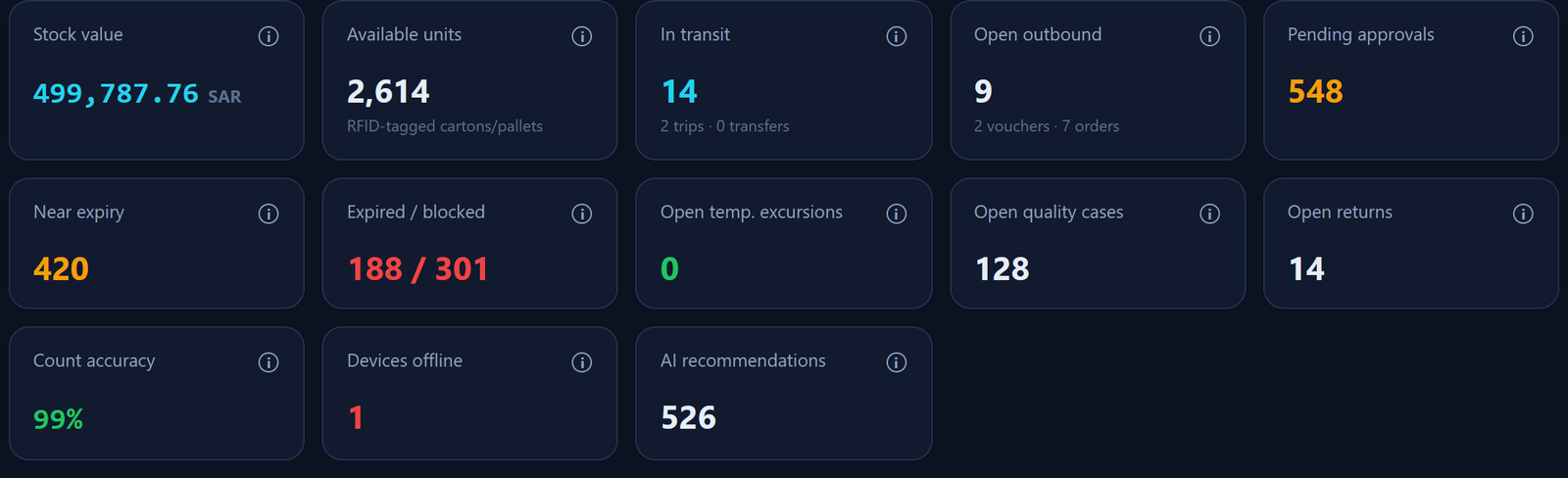
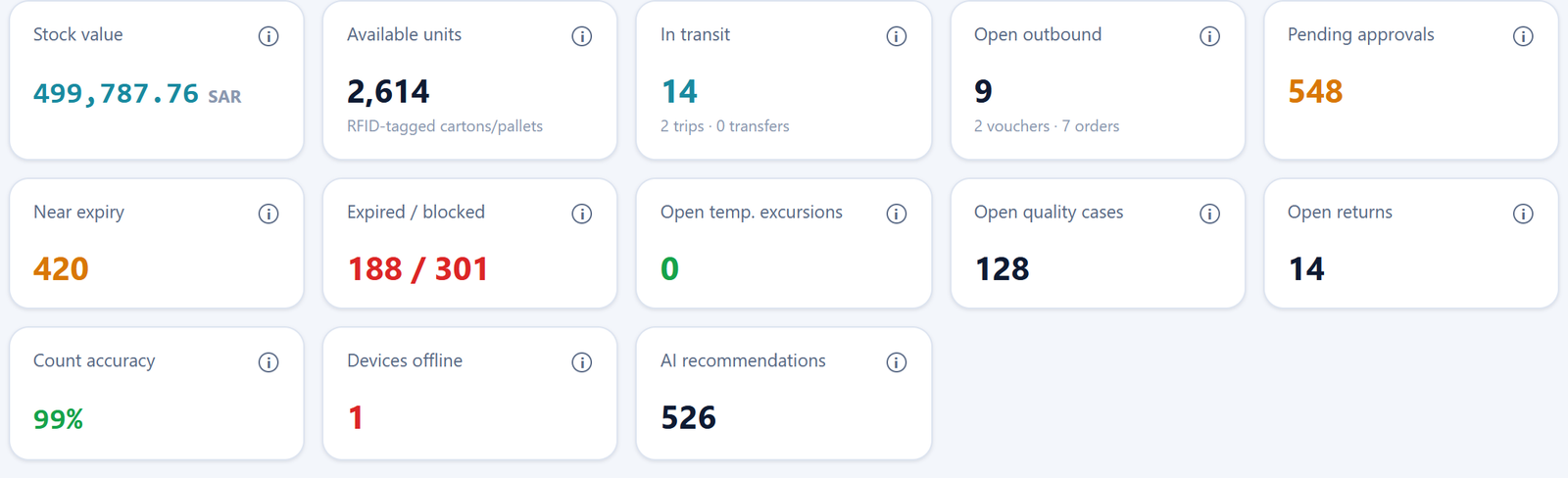
What the manager sees first every morning: stock value, available units, what is in transit, what is near expiry, temperature excursions, and what is waiting for approval.
- Live indicators for every warehouse and branch
- Expiry, temperature and offline-device alerts
- Tabs by role: management, operations, quality, finance
- Click any figure to open the details
Set up your company by answering questions, no programmer needed
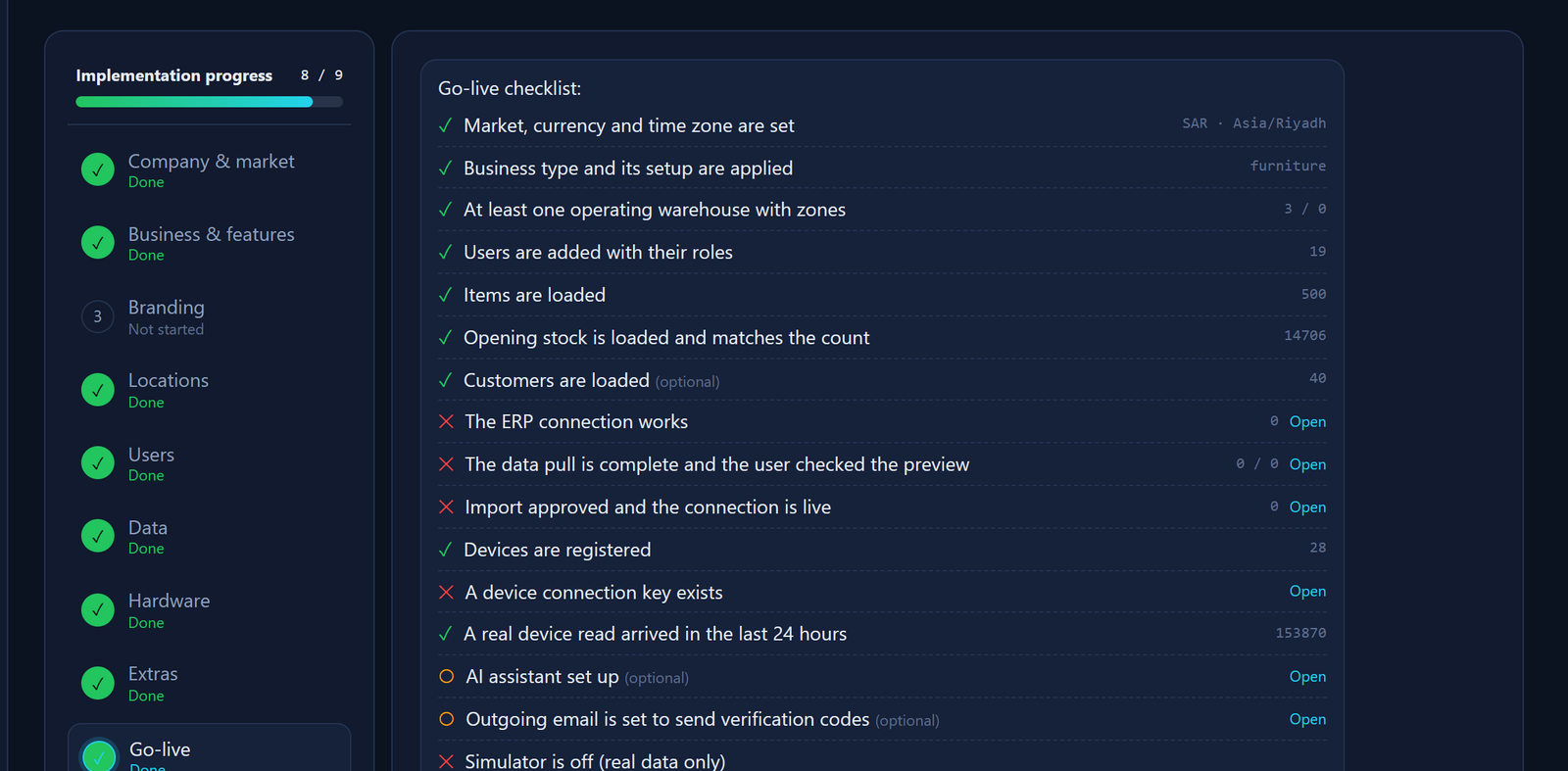
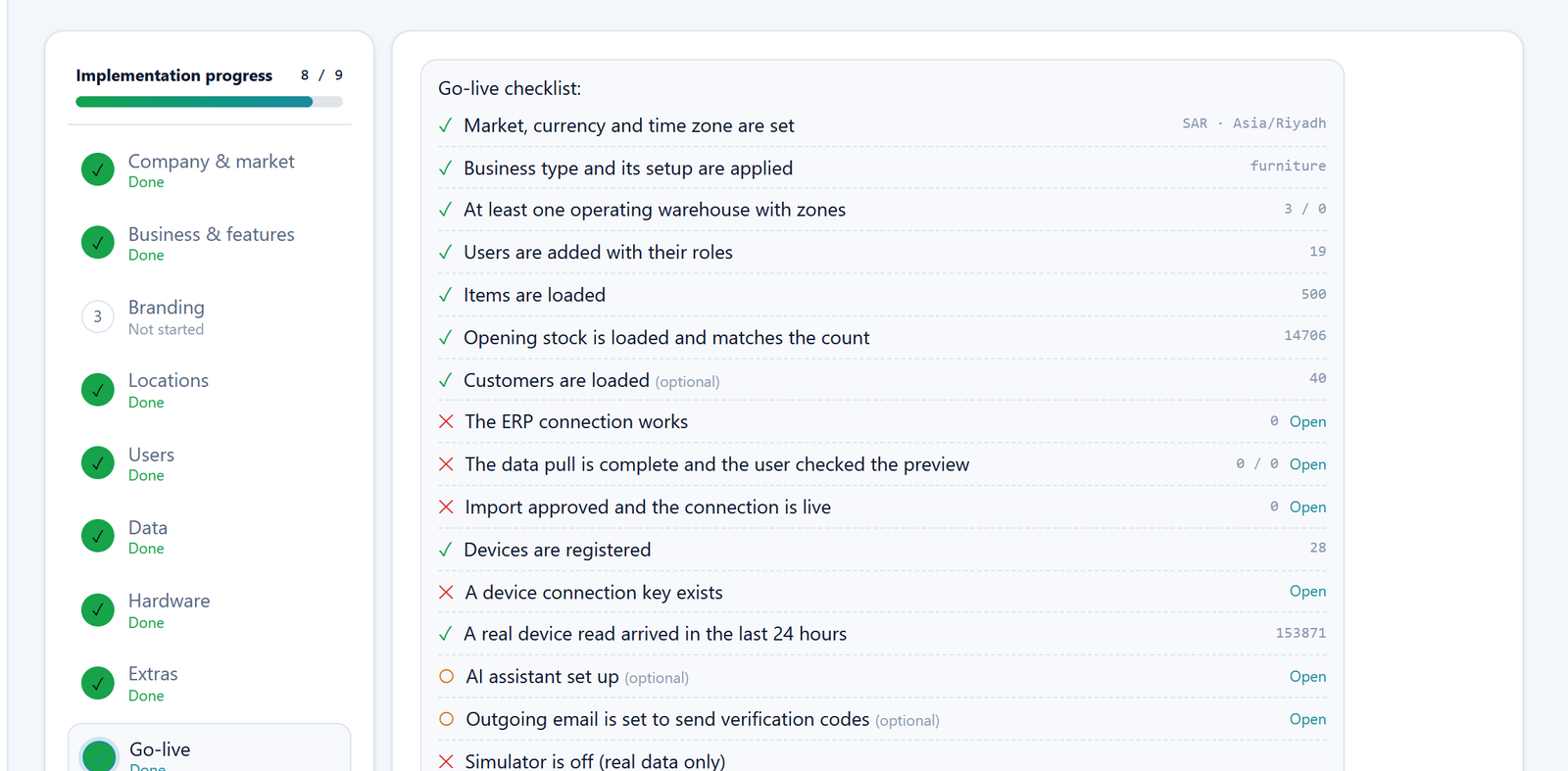
A 9-step wizard asks about your company, industry, warehouses and users, applies your logo and colours, and imports your data.
- Ready templates for 5 industries
- Import from Excel or from your ERP
- Zones and roles created automatically
- Technical help only to install devices
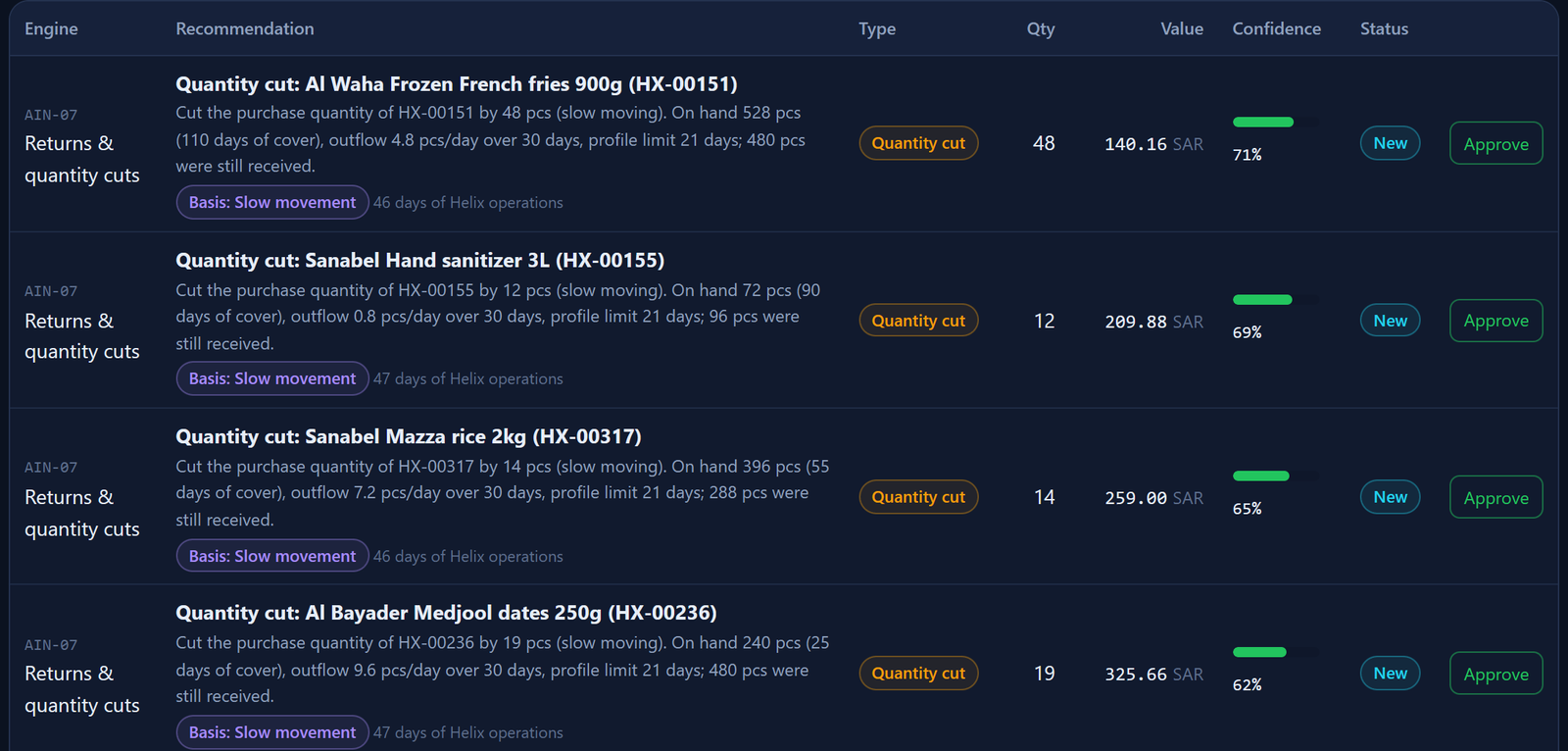
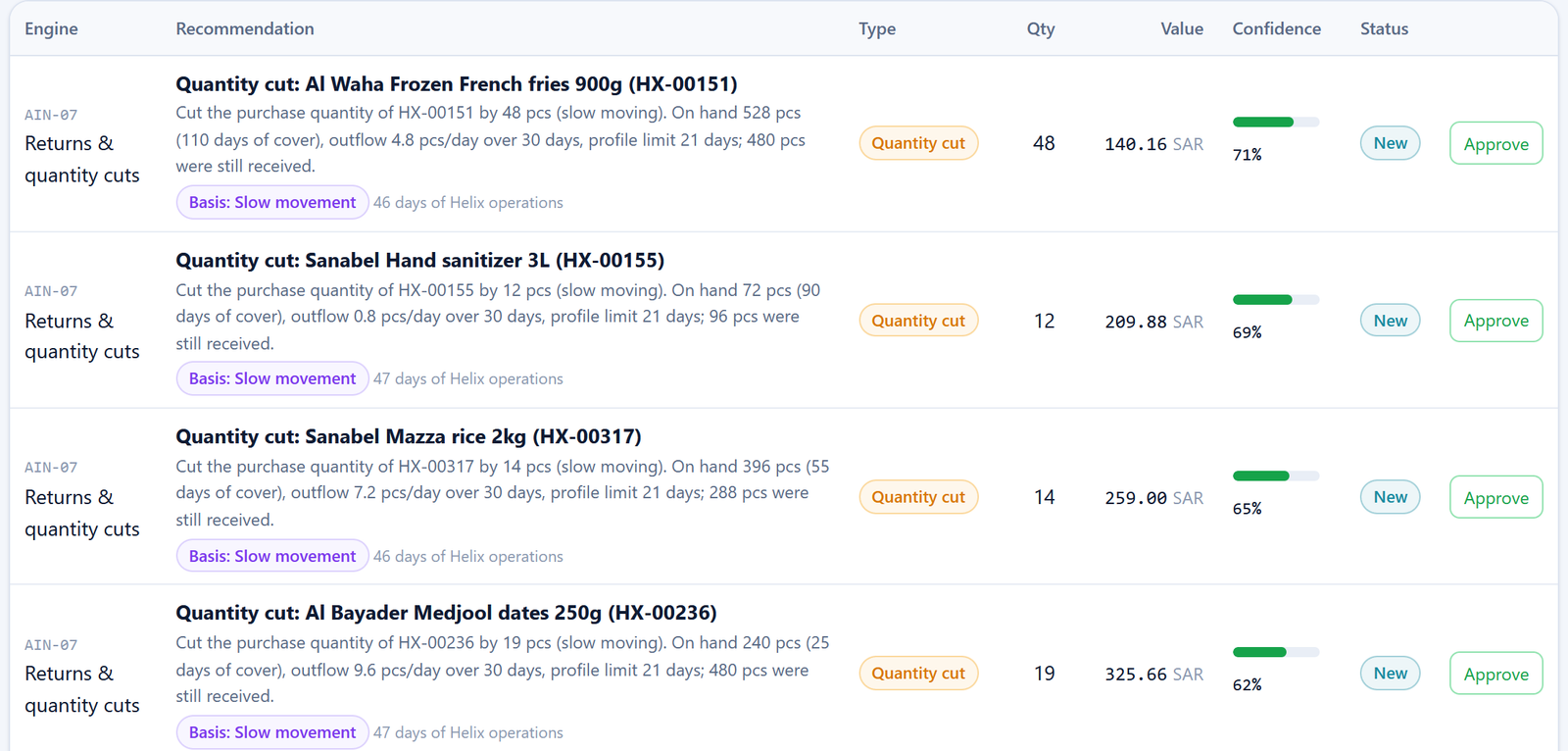
Recommendations ready for approval
Engines propose purchase quantities, markdowns for items near expiry, and preventive maintenance, with a confidence score for each recommendation.
- Reordering by consumption and lead time
- Expiry risks and markdown proposals
- ABC analysis and demand forecasting
- Approve or reject in one click, with a record of the decision
In, out and transfers, day by day
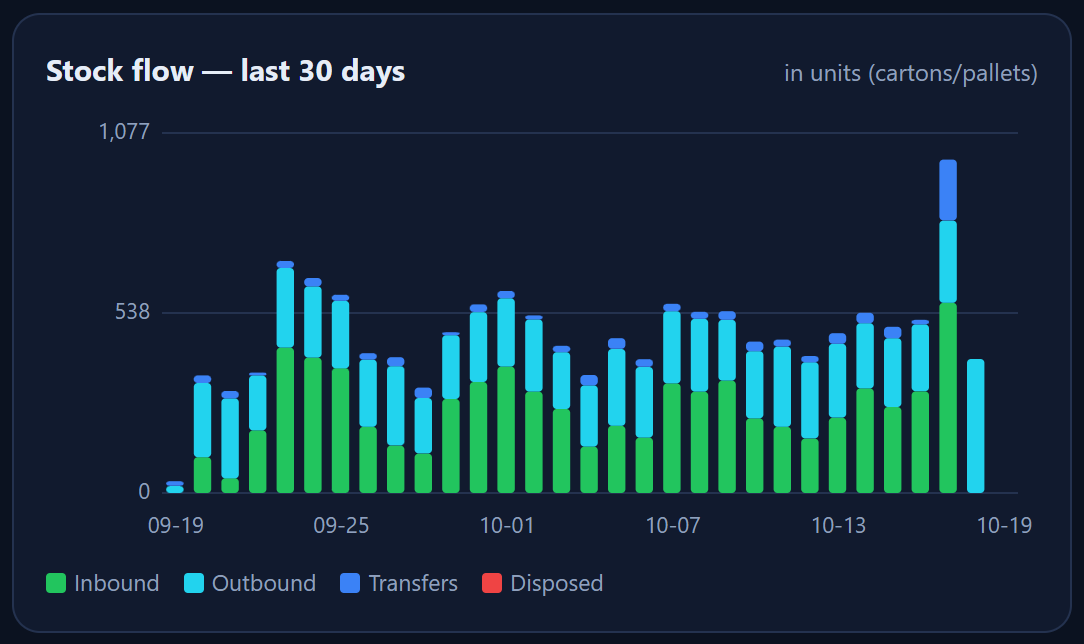
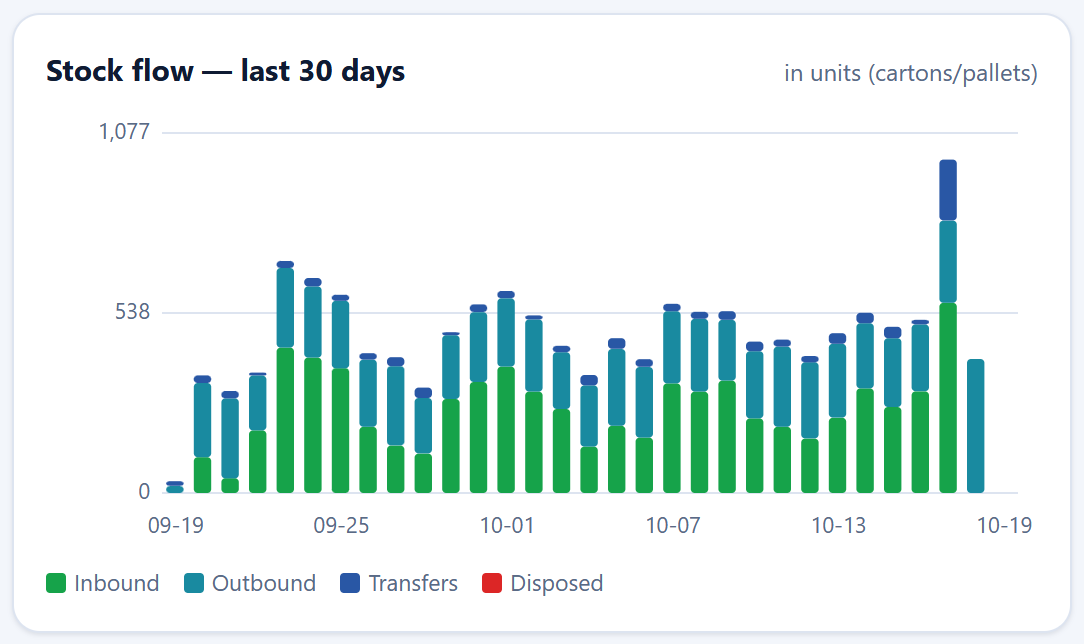
A daily chart of stock movement for the last 30 days in cartons and pallets, with transfers and disposals.
- In, out, transfers and disposals in one chart
- In the units your team uses: carton and pallet
- Shows peak days and demand seasons
- Reports filtered by warehouse and period
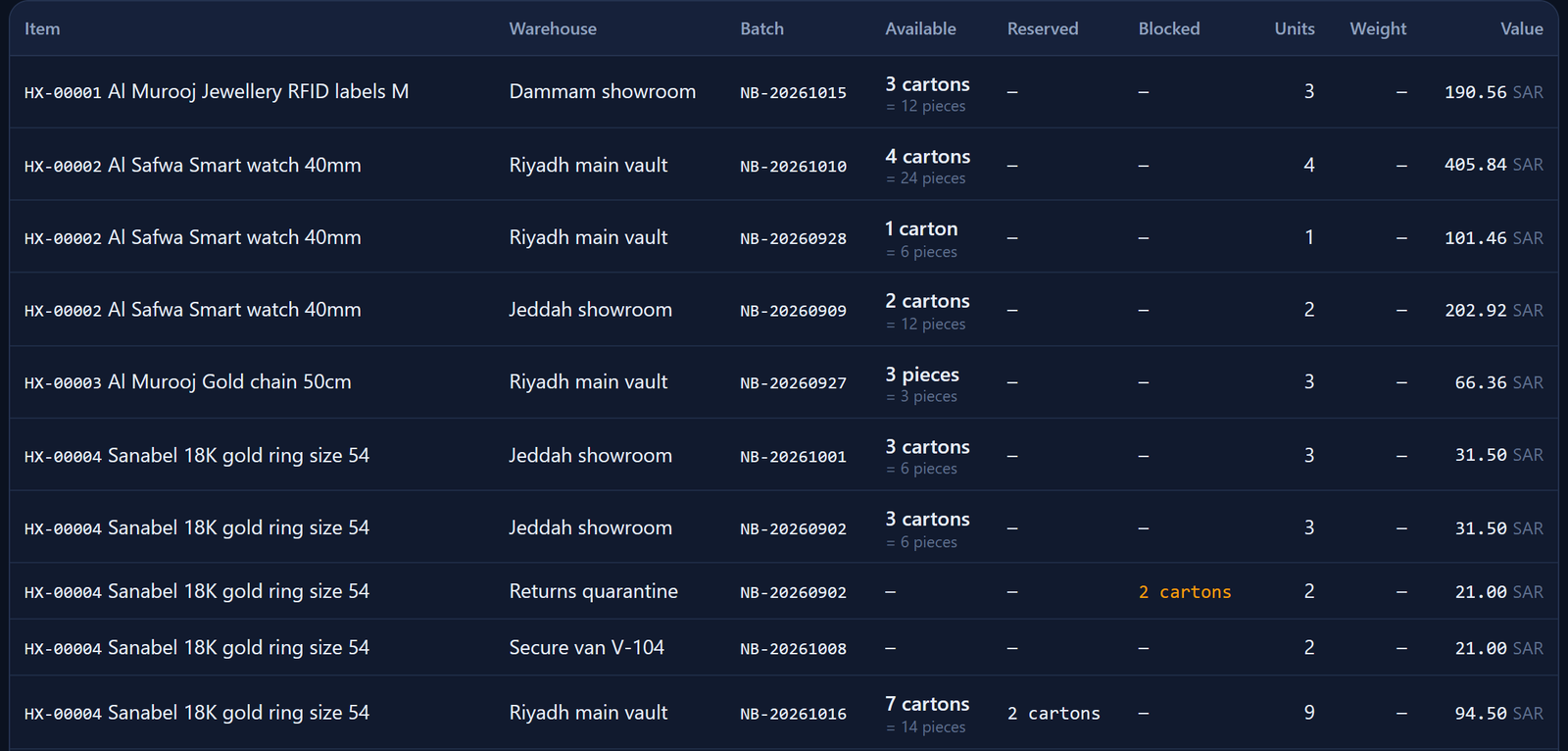
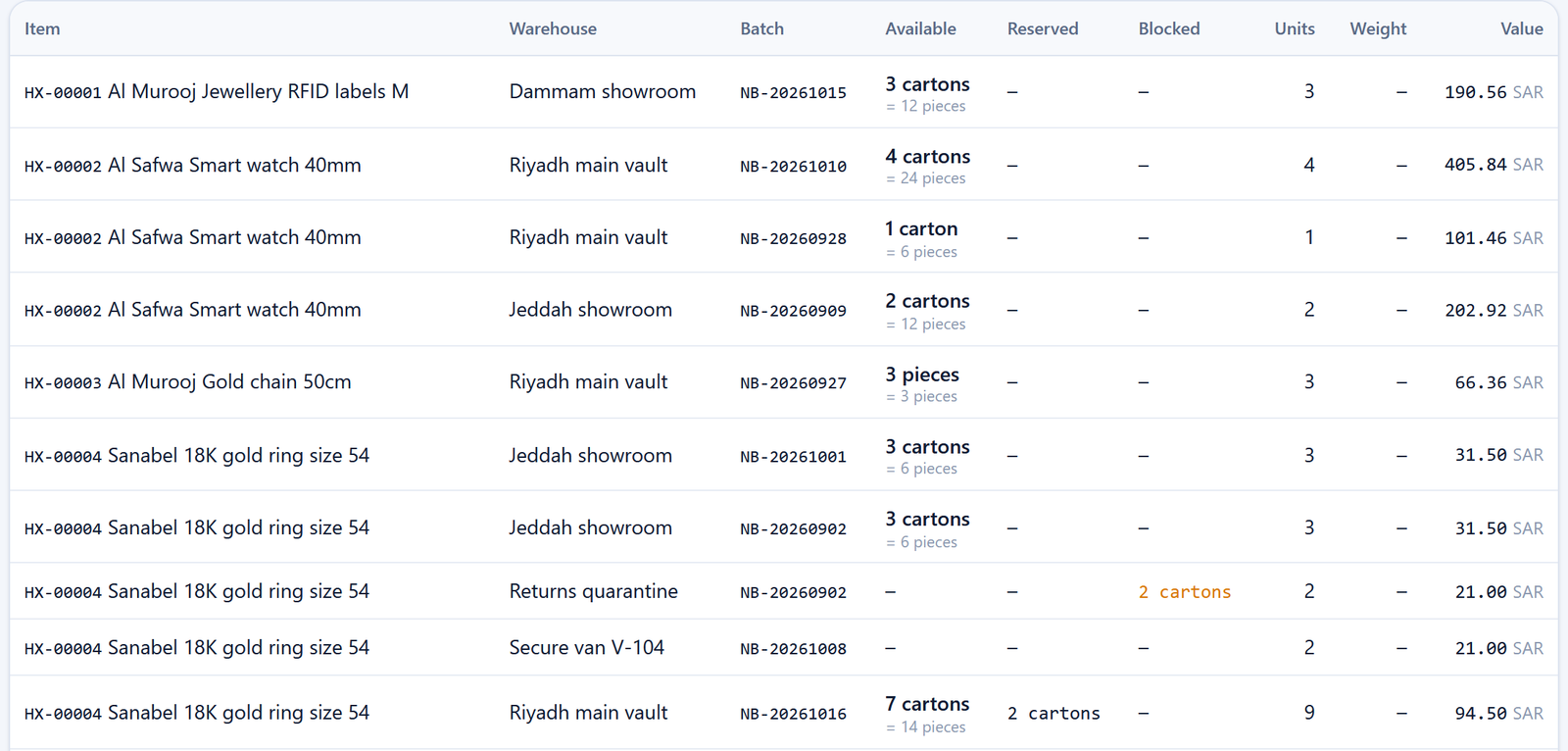
Every piece with its batch, location and value
Stock by batch, warehouse and item, with reserved units, units near expiry, and value.
- View by batch, item or unit EPC
- Display case, safe and branch locations
- Available, reserved and blocked units
- CSV export on paid plans
Holds and decisions in one place
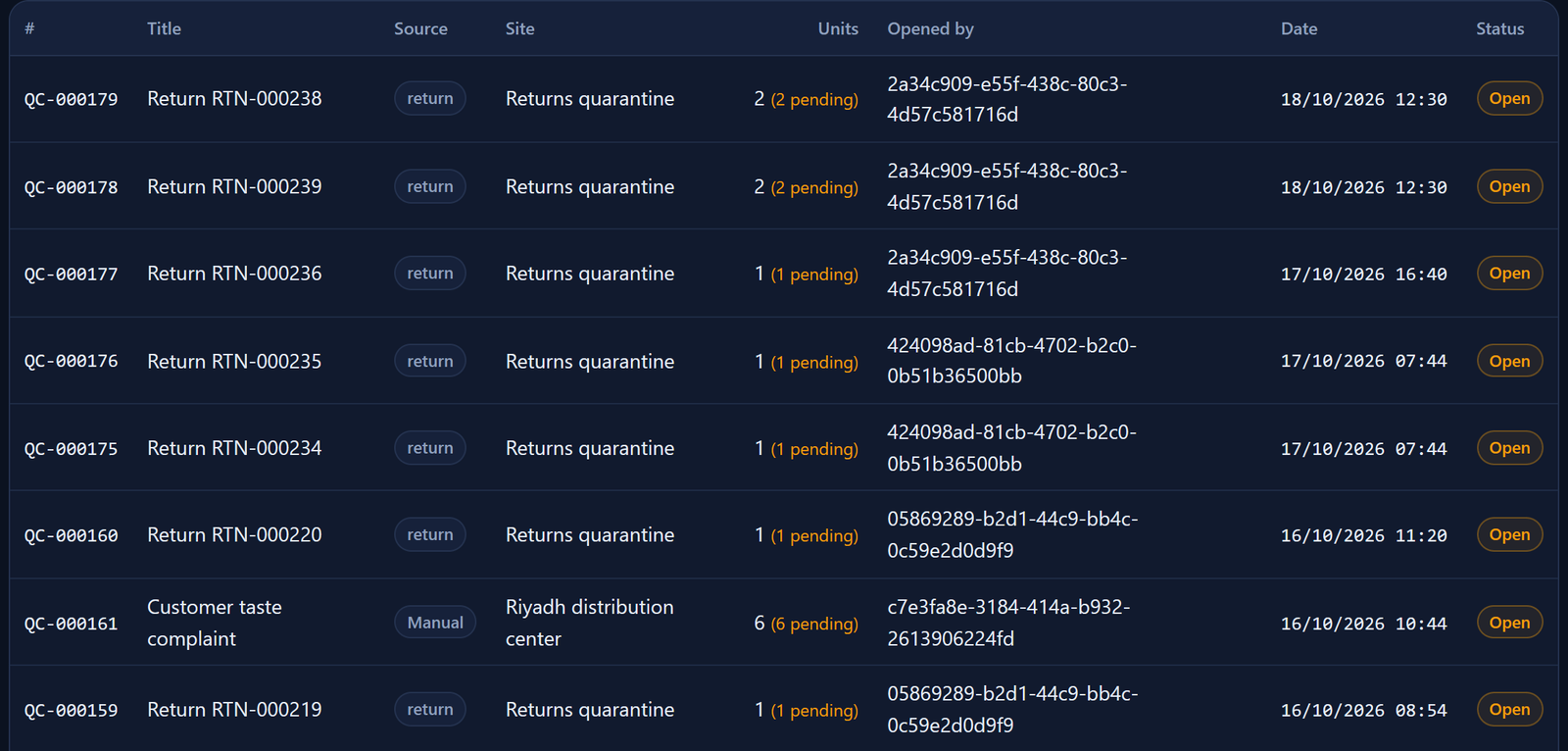
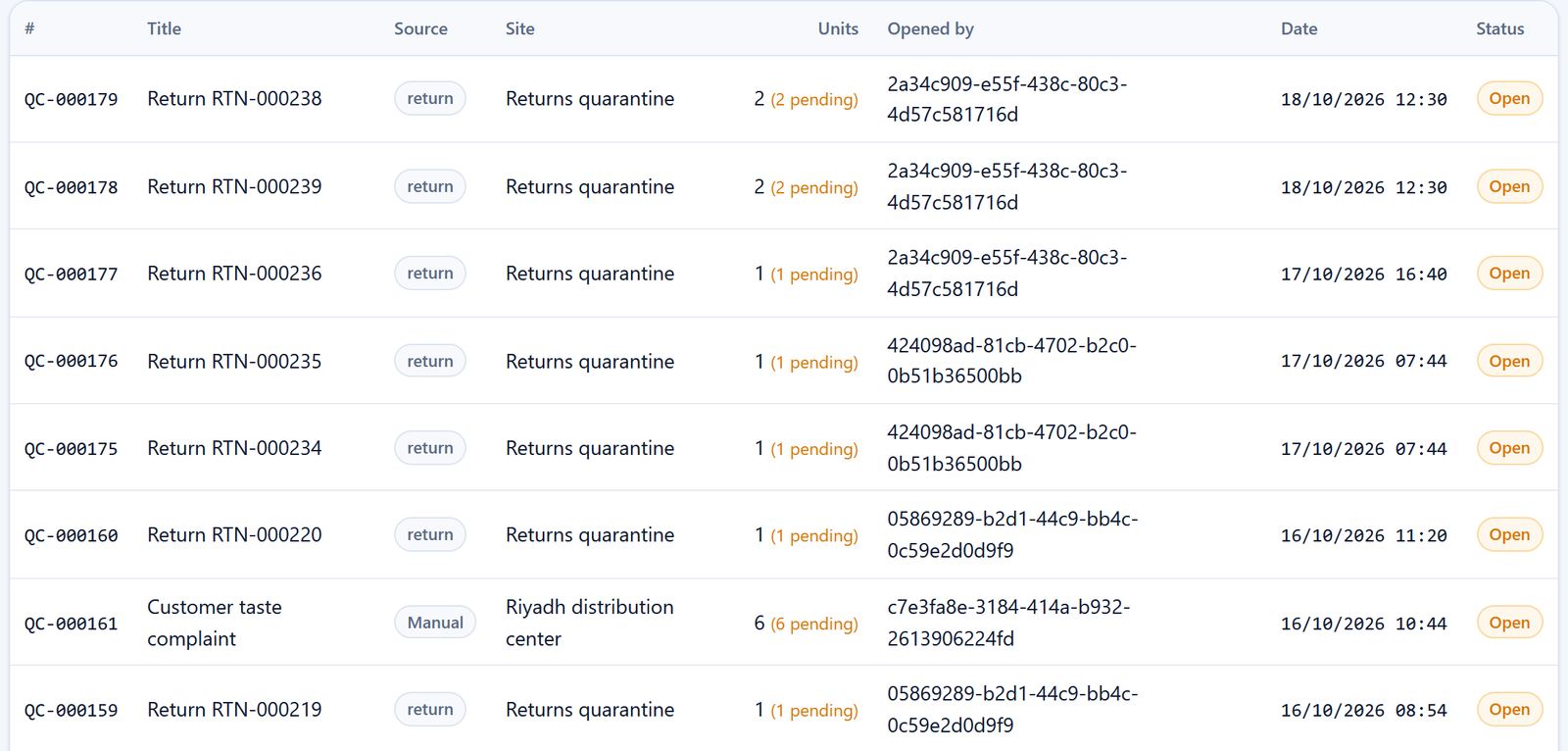
Each quality case is linked to its source, warehouse and units, and every decision is recorded with who made it and when.
- Quality cases and returns
- Holding and releasing batches
- Recalls and tracing a batch to the customer
- An audit log that cannot be edited
The health of every reader, gate and sensor
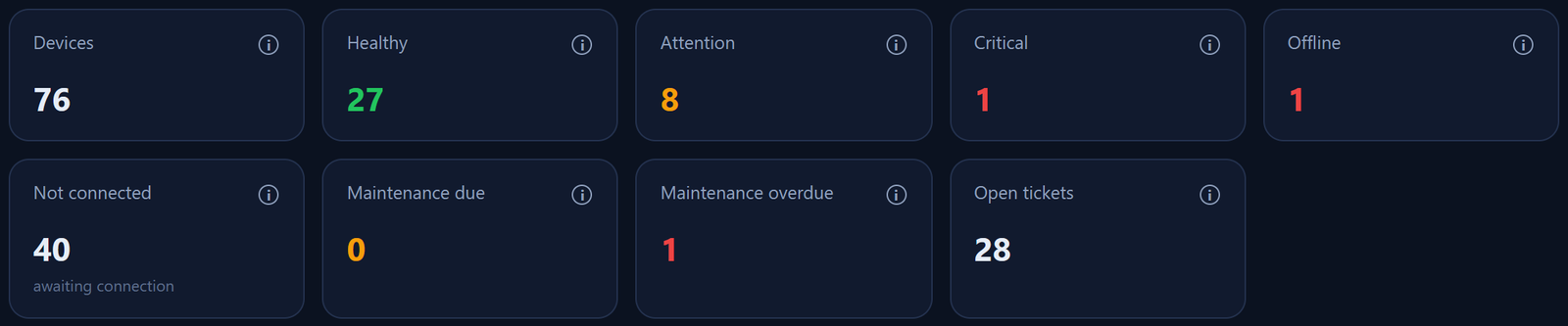
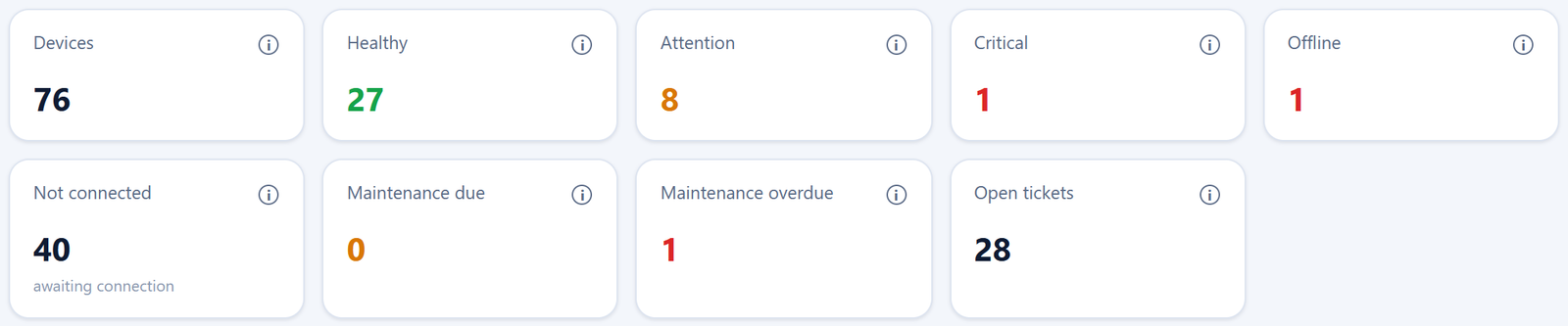
A device health board: healthy, needs attention, offline, and maintenance due, with automatic maintenance tickets.
- Live device status
- Predictive maintenance
- Maintenance tickets and history
- In Saudi Arabia: devices after a site visit
Connect your online store to your warehouse
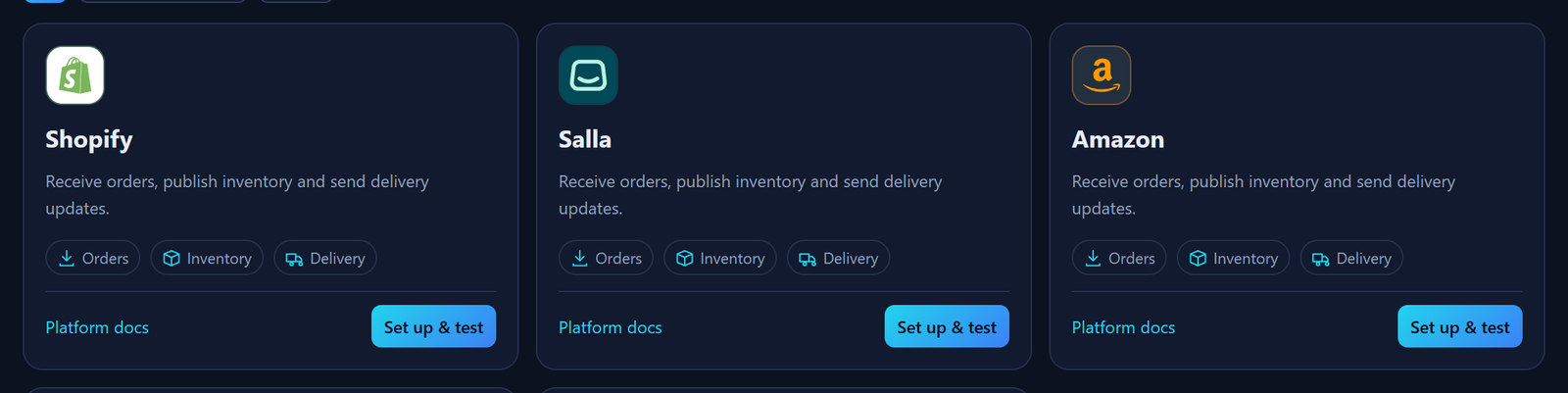
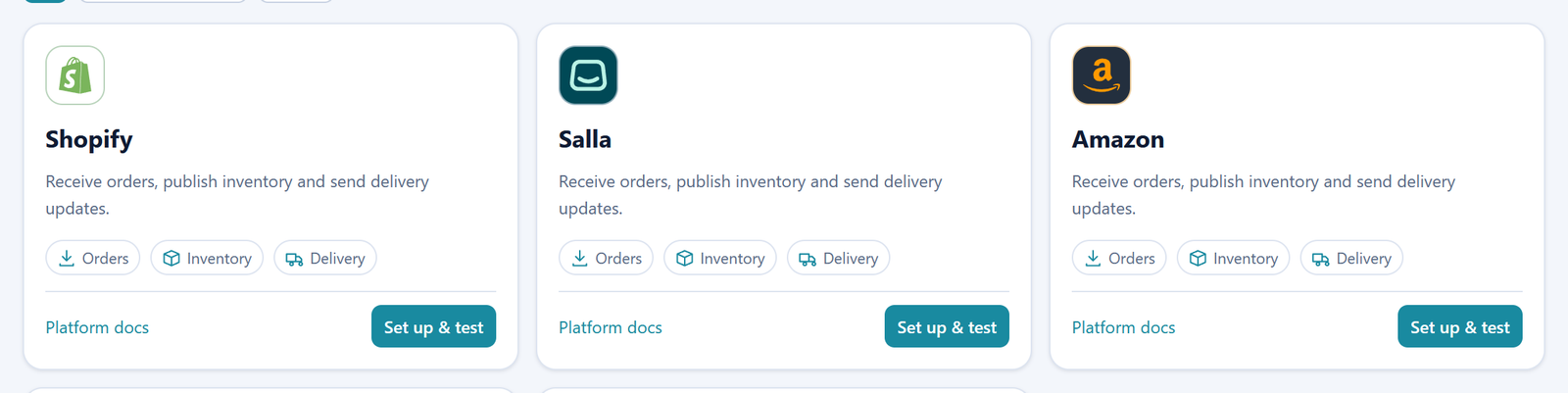
A full module for e-commerce platforms: orders come into Helix, sellable stock reaches the platform, and the platform is told about shipping and delivery.
- Salla, Shopify, Amazon, noon, Adobe Commerce
- Order intake, manual or automatic
- Stock updates after deducting safety stock
- Sales, fulfilment and rejection reports per platform
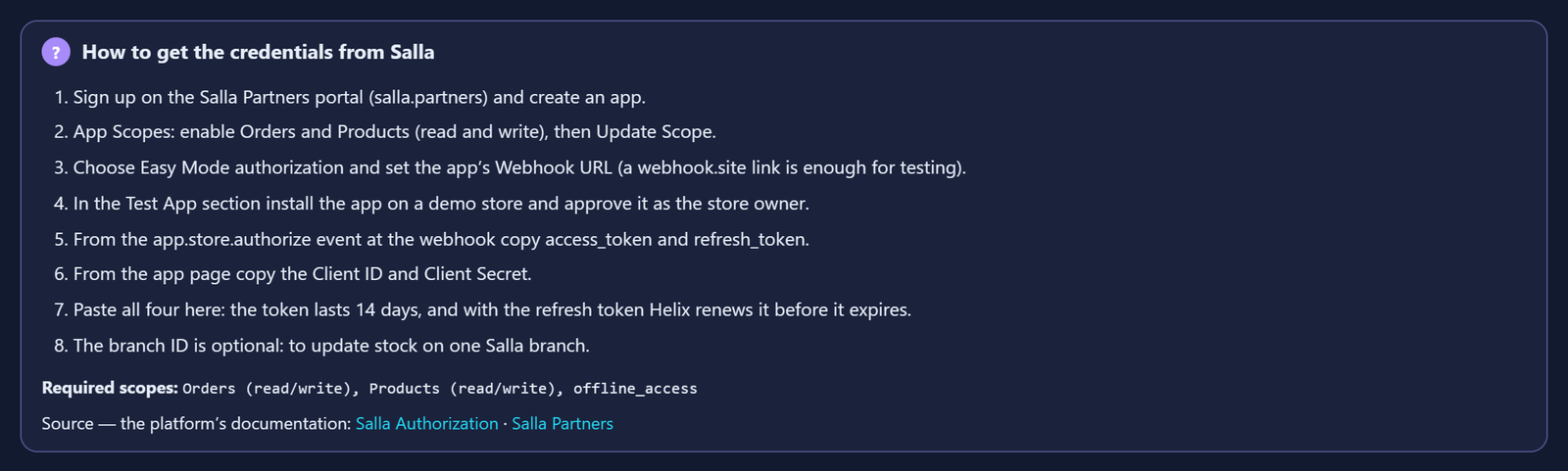
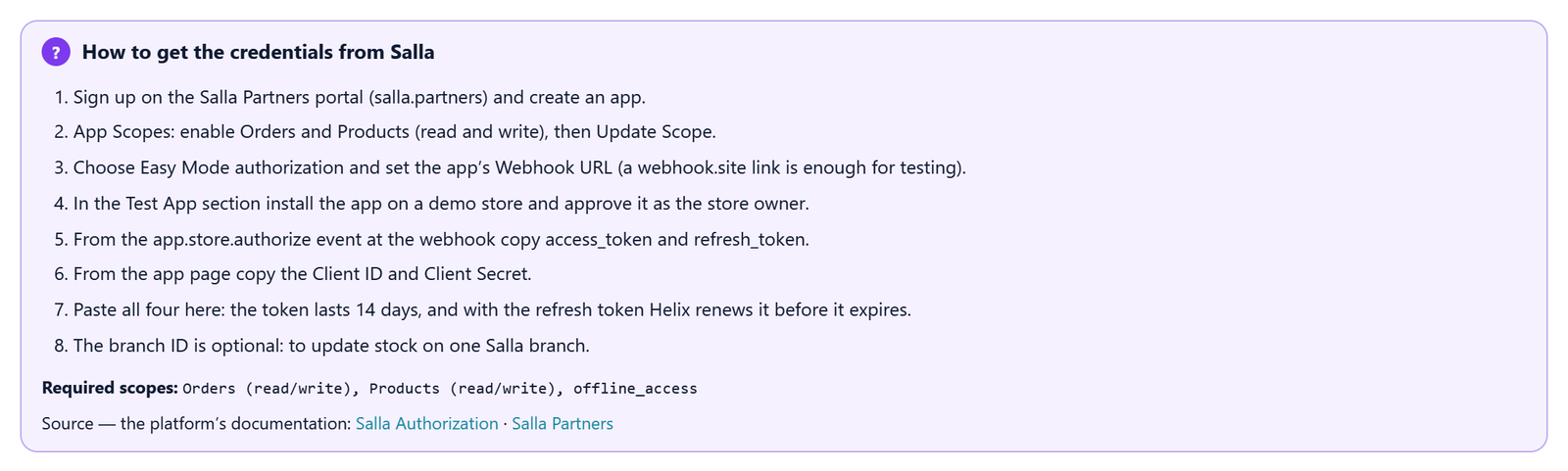
The guide to getting your token, right on the screen
For each platform, the steps to get the credentials from its official documentation, and a readiness list showing what is done and what is left.
- Ordered steps and the scopes required
- Read a sample of real orders and preview it before any import
- Test SKUs, so your whole stock isn't sent while testing
- Automatic token renewal where the platform allows it
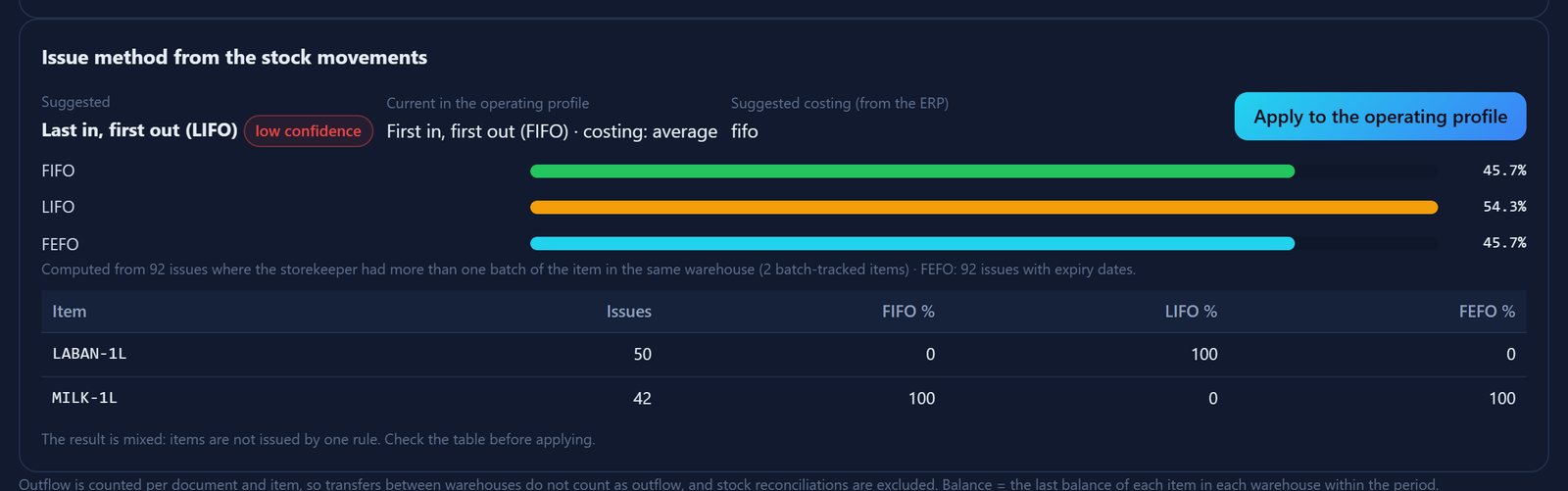
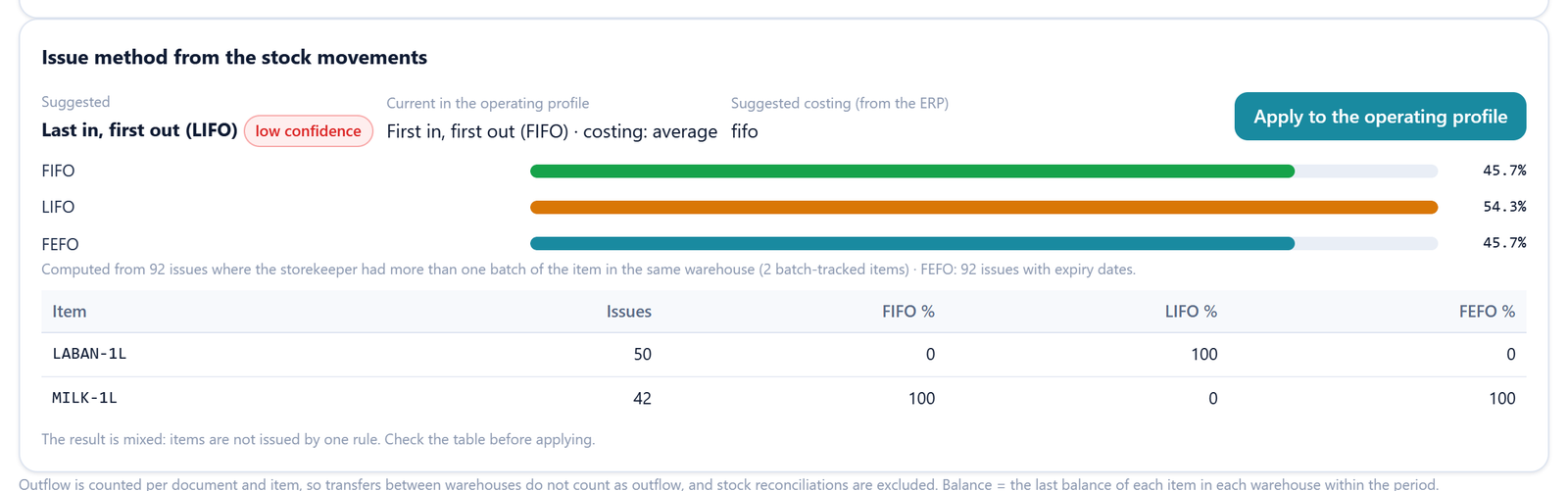
Your ERP's stock movements reveal how you really issue stock
Helix reads the stock ledger from ERPNext for analysis only, and works out from the batches how each item is actually issued.
- Map the movements in the mapping screen, just like items
- Analysis only: Helix stock is not changed
- FIFO, LIFO or FEFO per item, with a confidence level
- Apply it to the operating profile with a written reason
A formal approval decision, ready to print
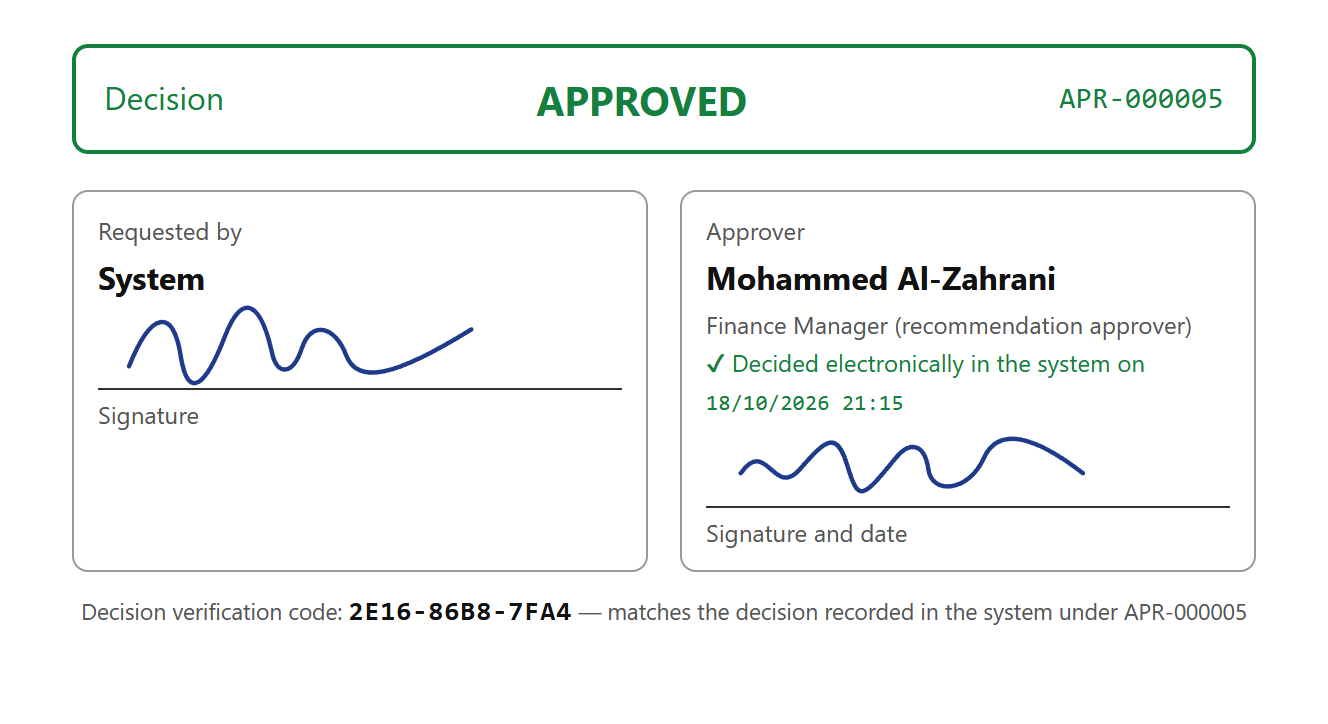
Every approval prints as a decision form, and every report, voucher and data screen prints or saves as PDF with your company's logo.
- The request, the decision and the approval trail
- The approver's name, job title and approval limit
- Signature boxes and a decision verification code
- Print date and who printed, on every page
All settings in one place
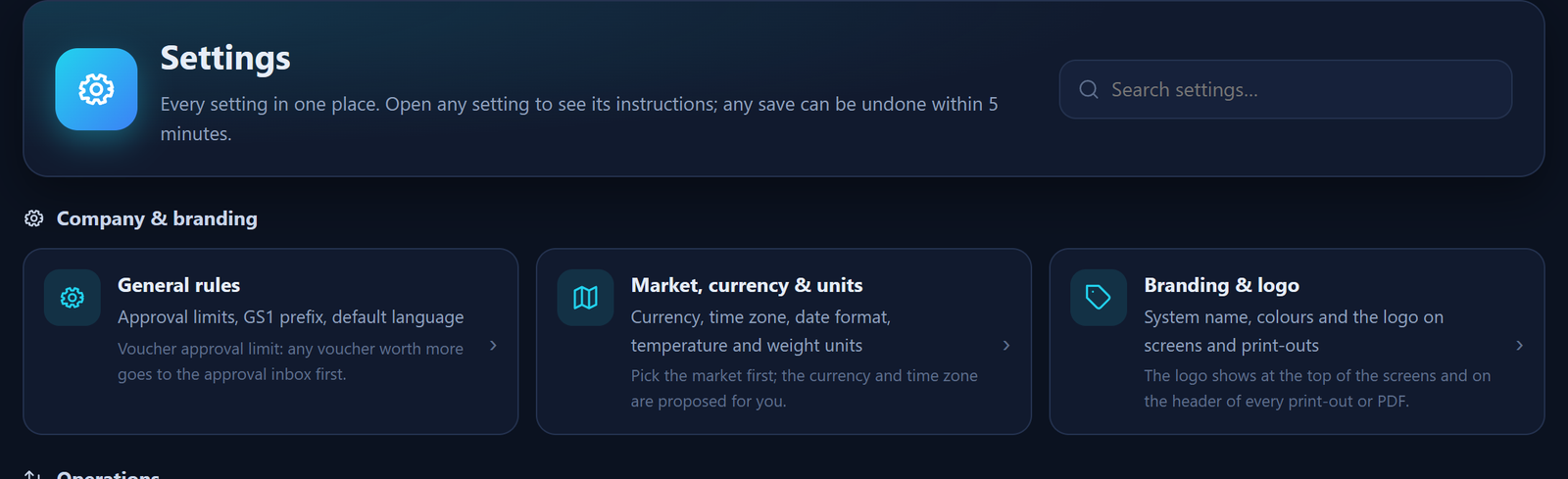
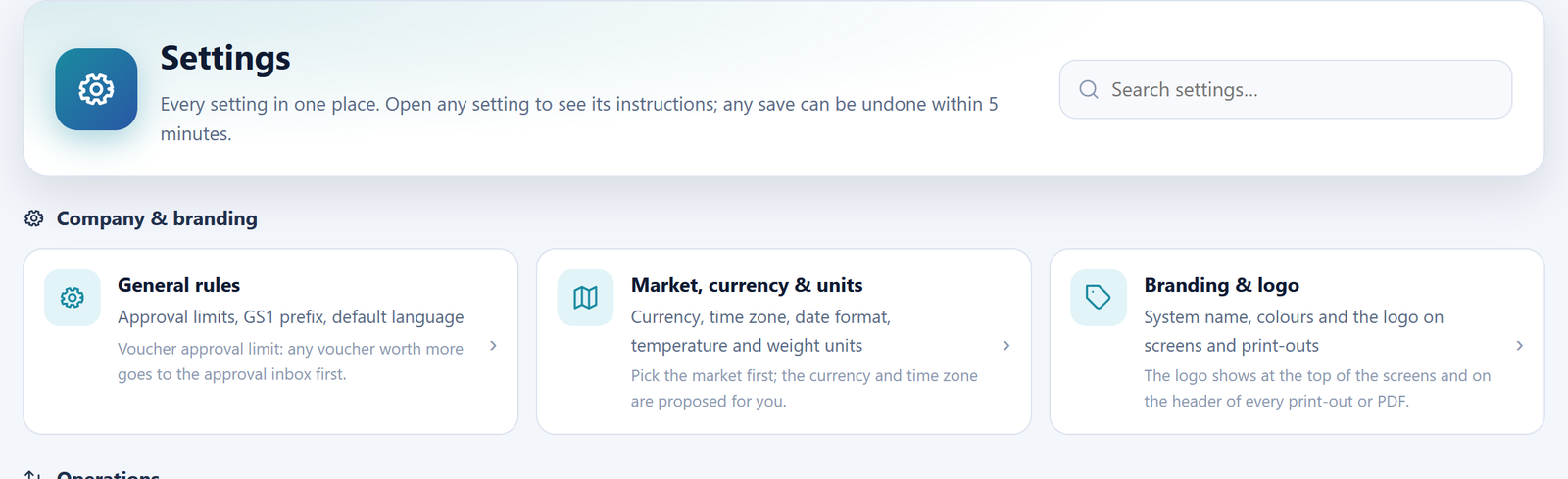
One icon for settings, clear instructions at every setting, and a safe undo for changes.
- Instructions at every setting
- Undo within 5 minutes by the same user
- No undo once operations have used the change
- Every change is logged with a reason in the audit log
Your home screen, your way
Each user pins what they need every day in the shortcuts box on the home page.
- Pin any screen, report or tab with a star
- The box at the top or bottom of the page, as you choose
- It follows you on any device


Ready to try it on data from your industry?
A full copy for 48 hours, in your email within minutes, with data like your business and a simulation of the plan you choose.